Booking widget for your website
Quickly add an appointment widget to your company website for seamless service bookings.
Booking form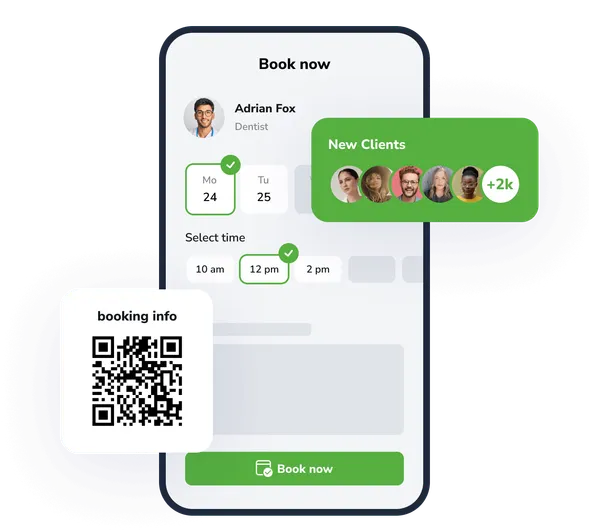
Easy integration
Add a booking widget to your website in minutes. Just copy the code and paste it onto any page. Works with all popular CMS platforms.
Design customisation
Adjust colours, sizes and styling to match your website design. The reservation widget automatically adapts to mobile devices and different screen sizes.
Real-time synchronisation
All bookings made via the appointment widget sync automatically with your EasyWeek calendar. Customers see up-to-date availability, and you receive notifications about new appointments.
Grow your business capabilities
Increase conversion and improve customer service with instant access to all EasyWeek features.
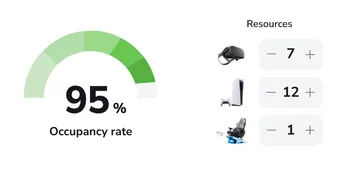
Ready-made solutions for your business
Choose your business type to get a tailored option for your industry.
 Beauty
  Healthcare
  Sport
Sport  Services
  Leisure
  Education
  Pets
Pets  Rental
  Car
Car  Hospitality
  Other
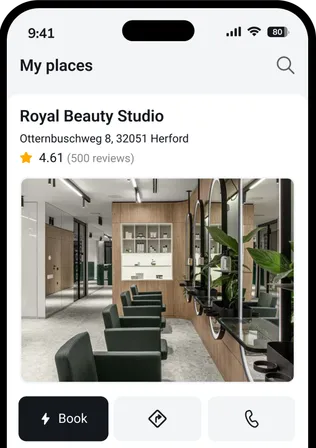
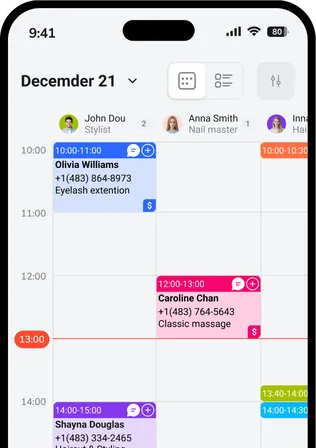
Other A convenient app for every device
Our system works on smartphones, tablets and in the web version. No additional equipment required.




 Pro
ProJoin companies that trust us
Create your success story with EasyWeek!
Frequently asked questions
Can’t find the answer? Contact our friendly team.
Stay with your customers: we’ll handle the rest
Try EasyWeek to manage your business more effectively. Our support team is always available: 7 days a week, free on any plan.